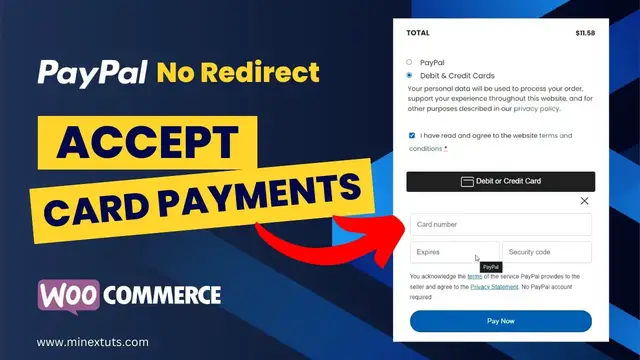

Accept Credit Card Payments on WooCommerce with PayPal Advanced Checkout | No Redirect
Oct 7, 2023

Struggling with getting customers to complete their purchases because of annoying redirects to offsite payment gateways?
In this step-by-step tutorial, I'll show you how to set up PayPal Advanced Checkout on your WooCommerce store to quickly and easily accept credit and debit card payments directly on your website without customers getting redirected away to PayPal.
CHECK THE FULL ARTICLE
https://s-mx.cc/KWwpY
This creates a smoother, optimized checkout process proven to increase conversion rates. No more abandoned carts because of payment friction!
TIMESTAMPS
0:00 Introduction
0:38 Get PayPal Advanced Checkout
0:56 Connect PayPal to WooCommerce
1:55 Accept Credit Card Payments
2:35 Test Payments
CHECK OUT OUR RELATED VIDEOS
How to Create PayPal Business Account: https://youtu.be/zRqgE0cecLg
Digital Product on Etsy: https://youtu.be/tC0xTGL91cc
Start Selling on Amazon: https://youtu.be/BjISShBJxnA
ABOUT OUR CHANNEL
MineX Tuts is about technology and digital marketing. We cover lots of cool stuff, such as cloud hosting, web development, building online businesses, earning money online, and other tech educational things.
Check out our channel here:
https://www.youtube.com/c/MineX_Tuts
Don’t forget to subscribe!
OUR SERVICES
MineX Tuts Q&A Community: https://www.minextuts.com
Smart MX Link Shortener: https://s-mx.cc
NextSaleLK Store: https://www.nextsalelk.com
Perks: https://s-mx.cc/member-join
FIND US AT
https://www.minextuts.com
GET IN TOUCH
Contact us on https://www.minextuts.com/add-question/
FOLLOW US ON SOCIAL
Get updates or reach out to Get updates on our Social Media Profiles!
Subscribe: https://s-mx.cc/MinexTuts-Subs
Telegram: https://s-mx.cc/Gpjxt
Twitter: https://s-mx.cc/mx-twitter
Facebook: https://s-mx.cc/mx-fb
Instagram: https://s-mx.cc/mx-instagram
TikTok: https://s-mx.cc/mx-tiktok
Pinterest: https://s-mx.cc/mx-pinterest
#paypal #woocommerce #creditcard
Show More Show Less