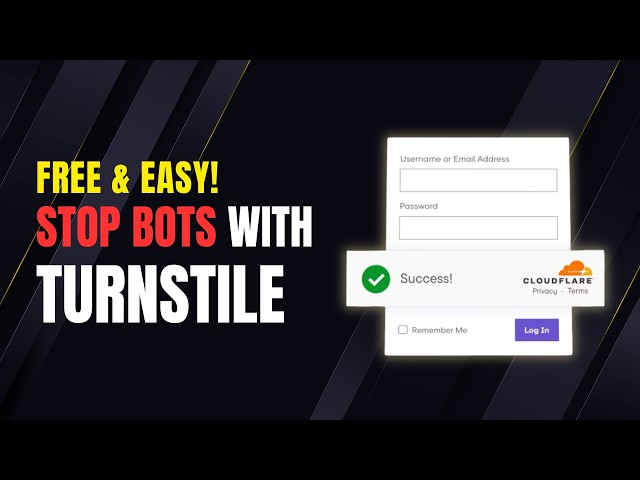

Stop Bots with Cloudflare Turnstile - FREE & Easy! | No More Captchas
Feb 13, 2026

In this video, we dive into how to replace traditional Google Captcha with Cloudflare Turnstile — a FREE, secure, and seamless solution for protecting your WordPress website.
Cloudflare Turnstile offers a frictionless experience for your visitors while blocking harmful bots and ensuring your site’s security.
CHECK THE FULL ARTICLE
https://s-mx.cc/RoefM
TIMESTAMPS
0:00 Introduction
0:26 Cloudflare Turnstile on WP
1:20 Cloudflare Account Setup
1:51 Connect Cloudflare Turnstile
CHECK OUT OUR RELATED VIDEOS
Migrate WP to Ghost: https://youtu.be/MhIbWAtX_co
CloudPanel: https://youtu.be/tEqOOkMvYfk
Sell Digital Products on WP: https://youtu.be/kjIjultayGs
ABOUT OUR CHANNEL
MineX Tuts is about technology and digital marketing. We cover lots of cool stuff, such as cloud hosting, web development, building online businesses, earning money online, and other tech educational things.
Check out our channel here:
https://www.youtube.com/c/MineX_Tuts
Don’t forget to subscribe!
OUR SERVICES
MineX Tuts Q&A Community: https://www.minextuts.com
Smart MX Link Shortener: https://s-mx.cc
NextSaleLK Store: https://www.nextsalelk.com
Perks: https://s-mx.cc/member-join
FIND US AT
https://www.minextuts.com
GET IN TOUCH
Contact us on https://www.minextuts.com/add-question/
FOLLOW US ON SOCIAL
Get updates or reach out to Get updates on our Social Media Profiles!
Subscribe: https://s-mx.cc/MinexTuts-Subs
Telegram: https://s-mx.cc/Gpjxt
Twitter: https://s-mx.cc/mx-twitter
Facebook: https://s-mx.cc/mx-fb
Instagram: https://s-mx.cc/mx-instagram
TikTok: https://s-mx.cc/mx-tiktok
Pinterest: https://s-mx.cc/mx-pinterest
🔹 Related Tags:
#cloudflareturnstile #turnstilesetup #cloudflaretutorial #websecuritytips #onlinesecuritytools #turnstileintegration #cloudflareguide #websiteprotection #antibotmeasures #captchalternatives #webtrafficmanagement #cloudflarefeatures #turnstiledemo #websitesecurityguide #digitalsecuritysolutions #cloudflarebestpractices #turnstilebenefits #websiteoptimization #securewebaccess
Show More Show Less