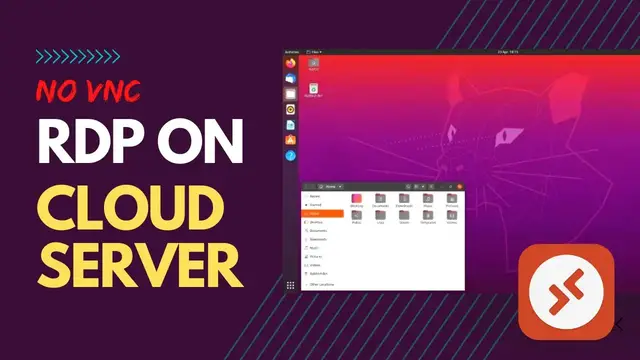

Setup Direct Remote Desktop for Ubuntu (RDP) - No VNC | Cloud Server
May 25, 2022

Remote desktop to Ubuntu or Linux is very easy to set up. It just requires a few simple steps. The first thing you will need is a remote desktop client and server-side setup. There are many different remote desktop clients available, but the two most popular are RDP and VNC.
This tutorial is about setting up a direct RDP connection from Ubuntu 20.04 or Linux server. This method is more user-friendly and more convenient for users rather than the VNC method.
Check the Full Article & All Commands HERE: https://s-mx.cc/CyXCP
You can use the RDP client to connect your remote VPS. RDP client is available for various operating systems such as Windows, Android, and iOS/Mac. Follow these steps with the tutorial.
Timeline:
00:00 Introduction
00:52 Create Cloud VPS
02:03 Install Ubuntu Desktop & xrdp
05:14 Open Firewall RDP Port
05:50 Connect Remote Server RDP
Recommended Related Videos:
* Setup Remote Desktop Connection to Cloud Server: https://youtu.be/2duUW0vn6Ok
* Free VPS Server (4 Cores 24GB RAM) - Quick Setup Ubuntu xrdp : https://youtu.be/qMQKSPPOBhU
You can watch our video's Playlist Here:
~ Tech Education: https://s-mx.cc/sjrph
~ WordPress Tutorial : https://s-mx.cc/2JLpY
~ Make Money Online: https://s-mx.cc/GwOKj
~ Linux Tutorials: https://s-mx.cc/VtKZt
~ Selling Online: https://s-mx.cc/sUkmZ
~ General Tech : https://s-mx.cc/KhCoB
~ Hosting Servers: https://s-mx.cc/RCrRh
SPECIAL INVITATION: Join our MineX Tuts Community. Help to other by Sharing your Knowledge.
Sign-Up HERE: https://www.minextuts.com
Join this channel to get access to perks: https://s-mx.cc/member-join
Subscribe the Channel: https://s-mx.cc/MinexTuts-Subs
Donate Us: https://s-mx.cc/K65bp
Join MineX Community Form: https://www.minextuts.com
Like Us on FB: https://www.facebook.com/MineXTuts
Telegram Channel: https://s-mx.cc/Gpjxt
Store: https://www.nextsalelk.com
More on: http://bit.ly/MineX_Subscribe
Thank You.
#rdp #ubuntu #linux #cloud #server #tutorial #tech #minextuts
Show More Show Less